Terminal · Go · MIT
Fastmail from the terminal.
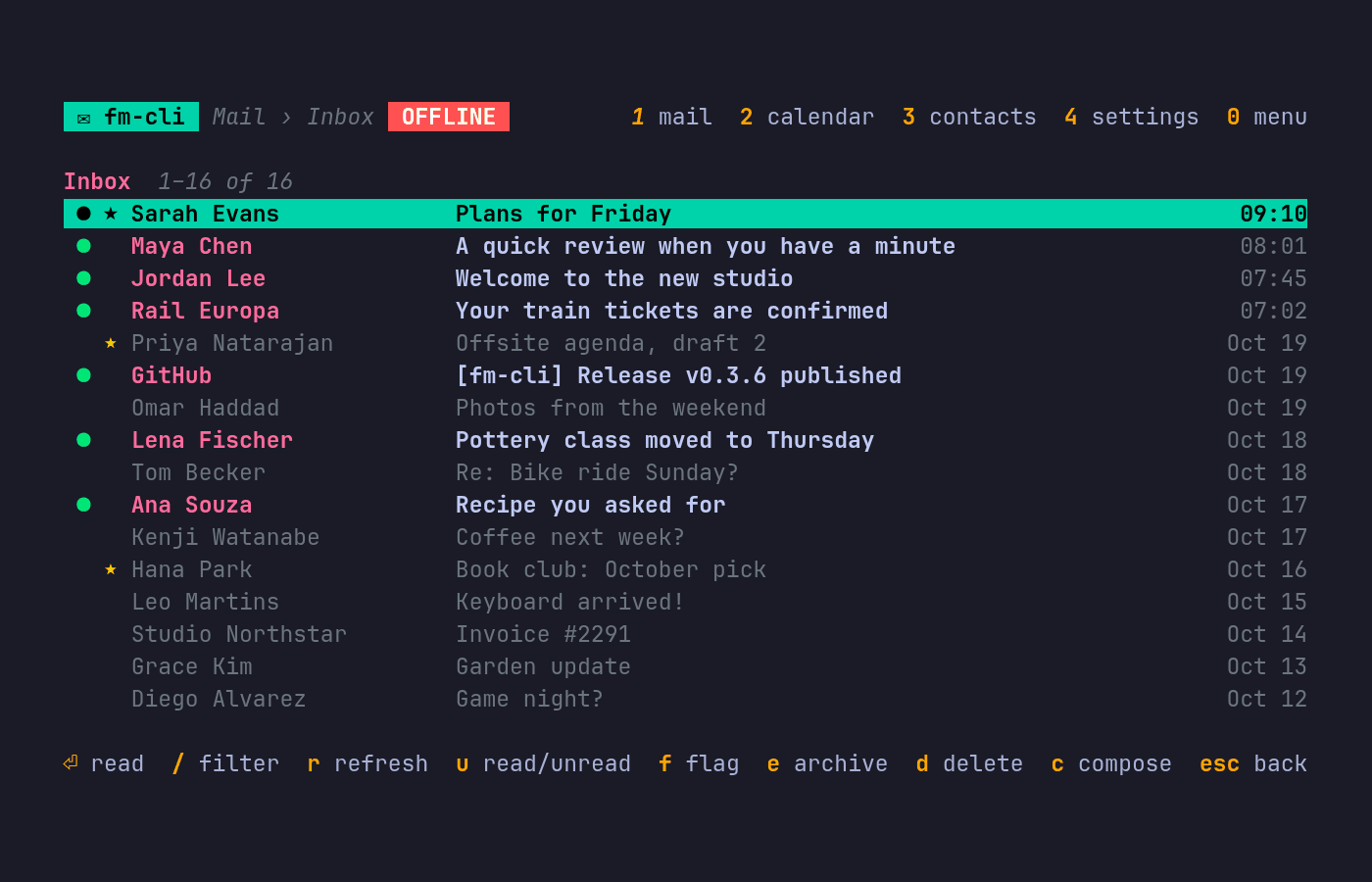
fm-cli is a small Go client for Fastmail’s JMAP API. It gives you a full-screen mail app, a set of scriptable commands that print JSON, and a live watch that follows your mailbox over Fastmail’s push connection. It’s for Fastmail users who live in a terminal, and it’s the engine behind the Fastmail plugin for Omarchy.
What it does
-
A full-screen mail app
Folders, threads, reading with links you can click, reply, reply all, forward, drafts, flags, archive, move, delete and search, all from the keyboard.
-
Compose in your editor
Write mail in
$EDITOR, with contact autocomplete and a choice of sending identity. -
Calendar and contacts
A two-week calendar agenda and your contacts, over CalDAV and CardDAV with a Fastmail app password.
-
Commands that print JSON
List accounts and folders, view mail, mark it seen, and create, rename or delete folders. Every command takes
--jsonand prints exactly one JSON object. -
A live
watchHolds a JMAP push connection open and prints a JSON line for every added, updated or deleted email.
-
Offline mode
Caches mail and bodies locally in SQLite so you can read and draft offline, then
fm-cli syncpushes the queued changes. -
Easy, careful sign-in
fm-cli auth loginopens Fastmail’s consent page in your browser. Tokens go into your system keyring, never a file, and refresh themselves. -
Inline images
In terminals that can draw them (Sixel, the Kitty graphics protocol or iTerm2 images), and only when you ask.
Install
On Omarchy
omarchy-mise-install github:ninepointlabs/fm-cli fm-cliWith mise elsewhere
mise use -g github:ninepointlabs/fm-cli@latestWith autonomix-cli
autonomix-cli installs it from GitHub Releases and keeps it updated.
autonomix-cli add https://github.com/ninepointlabs/fm-cliPackages and tarballs
Every release ships .pkg.tar.zst, .deb and .rpm packages and plain tarballs for Linux and macOS.
From source
Go 1.26 or newer. No C toolchain needed.
git clone https://github.com/ninepointlabs/fm-cli.git
cd fm-cli
go build -o fm-cli ./cmd/fm-cli
Get started
Sign in. This opens Fastmail’s consent page in your browser; approve fm-cli there and you’re done. Prefer an API token? fm-cli auth login --token takes one instead.
fm-cli auth loginOpen the app, or ask for your mail as JSON.
fm-cli
fm-cli box view inbox --limit 20 --json
Keys, every command and the full JSON contract are in the README.